

August Home, Matte Black Wi-Fi Connected Smart Keyless Entry Door Lock (4th Generation), Electronic Door Lock Fits Your Existing Deadbolt in Minutes, AUG-SL05-M01-G01
| Aspect | What it does well | Reported drawbacks from users |
|---|---|---|
| Installation | Installs over most standard deadbolts and only sits inside, so your door’s outside look stays the same. | Some people find the initial setup and calibration a bit confusing or time‑consuming. |
| Convenience | Lets you lock/unlock from the app, use auto‑lock/auto‑unlock, give guest access, and see who used the door. | Auto‑unlock does not always work smoothly and can be slow or fail to connect. |
| Integration | Connects with popular voice assistants and smart‑home systems for hands‑free control and routines. | Performance can drop if your Bluetooth or Wi‑Fi signal near the door is weak. |
| Power/Batteries | Runs on 2× CR123A batteries and warns you in the app when the battery is getting low. | Many users say the batteries drain quickly and need to be replaced often. |
| Security/Ownership | Keeps an activity log, supports multiple users, and ties each lock to an owner account for security. | Second‑hand locks can stay linked to the previous owner, and a few users report rare unexpected unlocks. |

Why You Need This Smart Lock
-
You forget your keys or hate carrying them
Open the door with your phone instead of digging for keys, while still keeping your original deadbolt and physical key as a fallback. -
You need to let people in when you’re not home
Send time‑limited or recurring access via the August app so cleaners, dog‑walkers, guests, or Airbnb tenants can enter without physical keys. -
You want proof of who came and went
Activity logs in the app show when the door was locked/unlocked and by whom, giving you more visibility and peace of mind. -
You want smart features without changing the exterior
The lock mounts only on the inside, so your front door’s design and exterior hardware stay the same—ideal for rentals or strict building rules. -
You want integration, not another isolated gadget
Because it supports major voice assistants and platforms, you can include it in automations, like locking all doors when you say “good night.”
Best Sellers of This Product
Top Picks

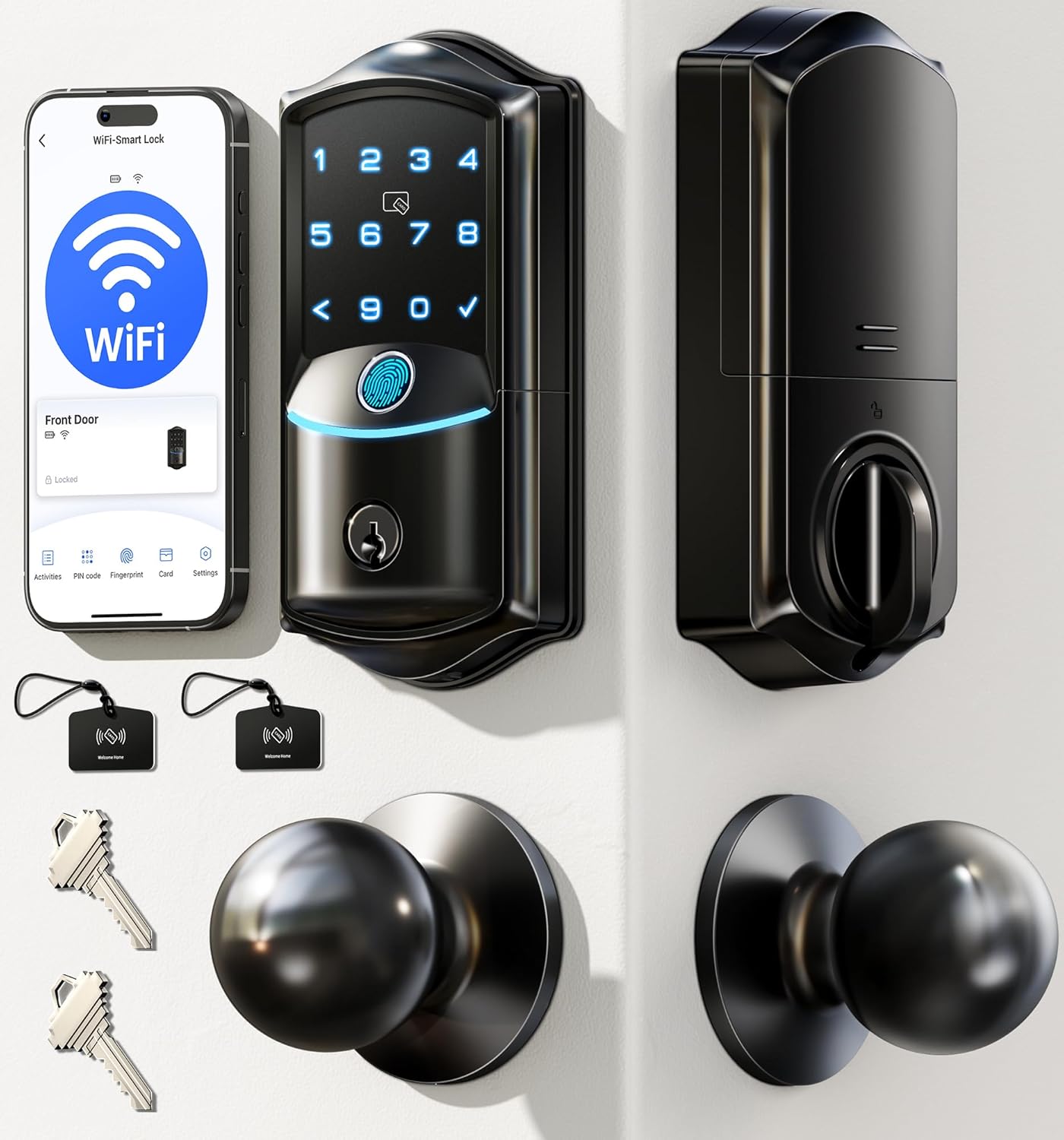
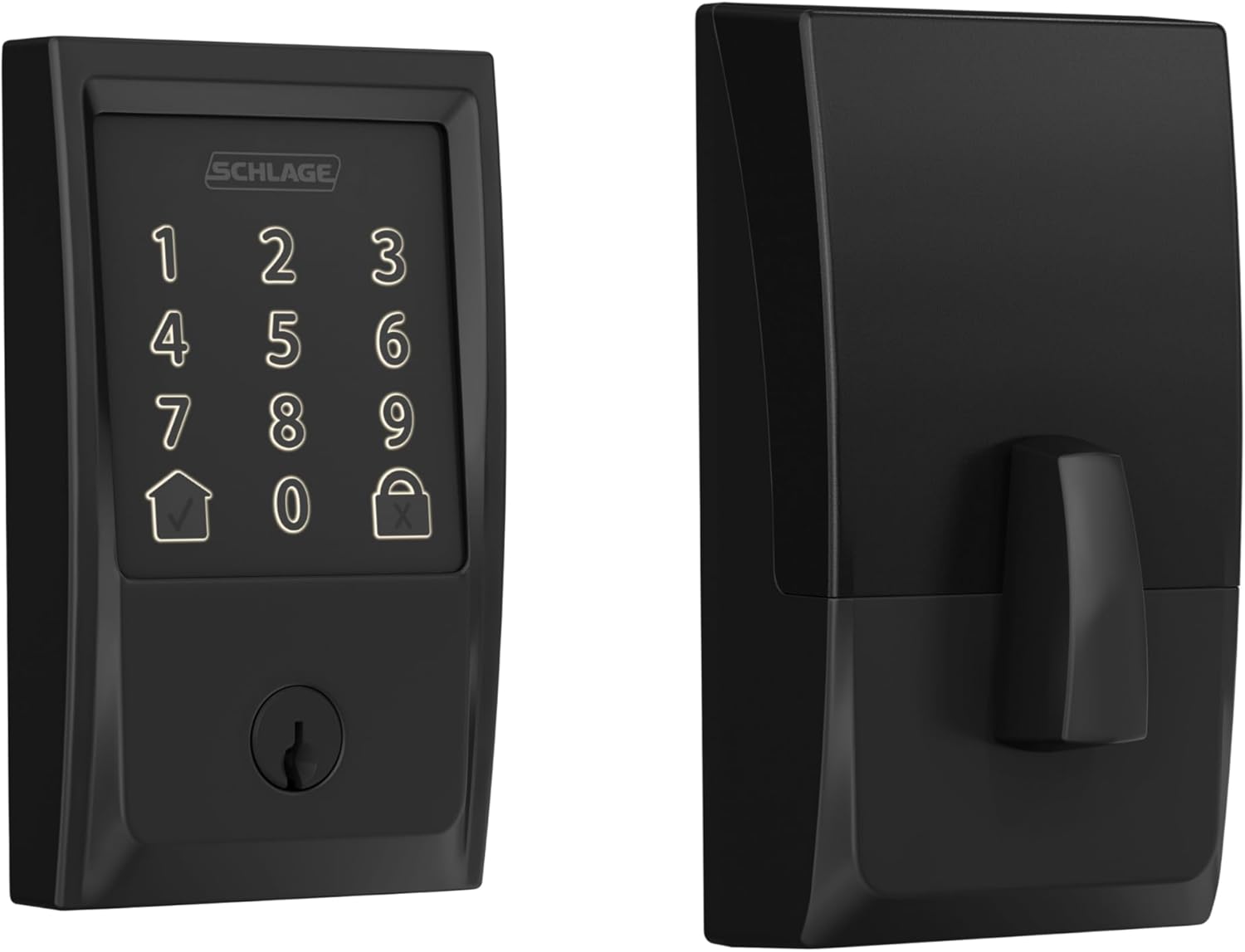


What To Check Before Buying A Smart Lock
- Compatibility with your door – Make sure the lock fits your existing deadbolt and door thickness. Not all smart locks work with every door.
- Battery life – Check how often batteries need replacing and whether the lock provides low-battery alerts.
- Remote access capabilities – If you want to control the lock when away from home, verify that it includes built-in Wi-Fi or supports a compatible hub.
- Guest access management – Look for the ability to create temporary, scheduled, or recurring access for family, guests, cleaners, or rental tenants.
- Smart home compatibility – Ensure the lock works with Alexa, Google Assistant, Apple HomeKit, Samsung SmartThings, or other systems you already use.
- Auto-lock and auto-unlock reliability – These features add convenience but depend on stable Bluetooth and Wi-Fi connections.
- Security features – Look for encryption, two-factor authentication, activity logs, and firmware updates.
- Backup entry options – A physical key, keypad, or emergency power option can prevent lockouts if batteries die or connectivity fails.
- Mobile app quality – Read recent reviews to see whether users report connection problems, bugs, or delayed notifications.
- Warranty and customer support – Choose brands with responsive support and clear warranty coverage in case problems arise.
August Smart Lock Scorecard
- ✅ Retrofit Installation — Excellent
- ✅ Remote Access — Built-in Wi-Fi
- ✅ Guest Access — Excellent
- ✅ Smart Home Integration — Excellent
- ✅ Physical Key Backup — Yes
- ⚠️ Battery Life — Average
- ⚠️ App Reliability — Depends on Wi-Fi Quality
- ✅ Rental Friendly — Excellent
- ✅ Ease of Installation — Excellent
⚠️ Real-World Drawbacks
-
Battery Life Can Vary
Because the lock uses always-on Wi-Fi, battery life depends heavily on signal strength and usage. Some users report needing to replace batteries several times per year. -
Connectivity Issues May Occur
Auto-unlock and remote control rely on stable Bluetooth and Wi-Fi. In some homes, users report occasional connection delays or "device unavailable" messages. -
Auto-Unlock Requires Proper Setup
A small number of users have reported unexpected unlock events. Always test automation features carefully and keep firmware updated. -
Used Devices May Have Activation Problems
Smart locks are linked to owner accounts. If purchasing used or refurbished, the previous owner must remove the lock from their account before activation. -
Support and Return Policies Vary
Some customers report difficulty obtaining refunds after the return period ends. Test all smart features shortly after installation.
Final Verdict
The August Wi-Fi Smart Lock (4th Gen) is an excellent choice for homeowners, renters, Airbnb hosts, and families who want the convenience of keyless entry without replacing their existing deadbolt. Its easy installation, remote access, guest management, and smart home integrations make it one of the most user-friendly smart locks available.
While battery life and connectivity can vary depending on your Wi-Fi setup, most users will appreciate the flexibility and convenience it brings to everyday life. If you're looking for a retrofit smart lock that preserves your home's exterior appearance while adding modern smart features, this lock is worth considering.
Prices and availability may change. Check the retailer's website for the latest information.
